
Watching a big match in 4K is one of the best reasons to own a modern TV — but only if the stream holds up when it matters. A smooth live sports picture depends on three things working together: a licensed service that carries your league, a device that can decode it, and a home connection that does not choke at kick-off.
This guide shows how to pick the right official service for the sports you follow, which devices and settings give the best picture, and how to avoid buffering during the moments that count.
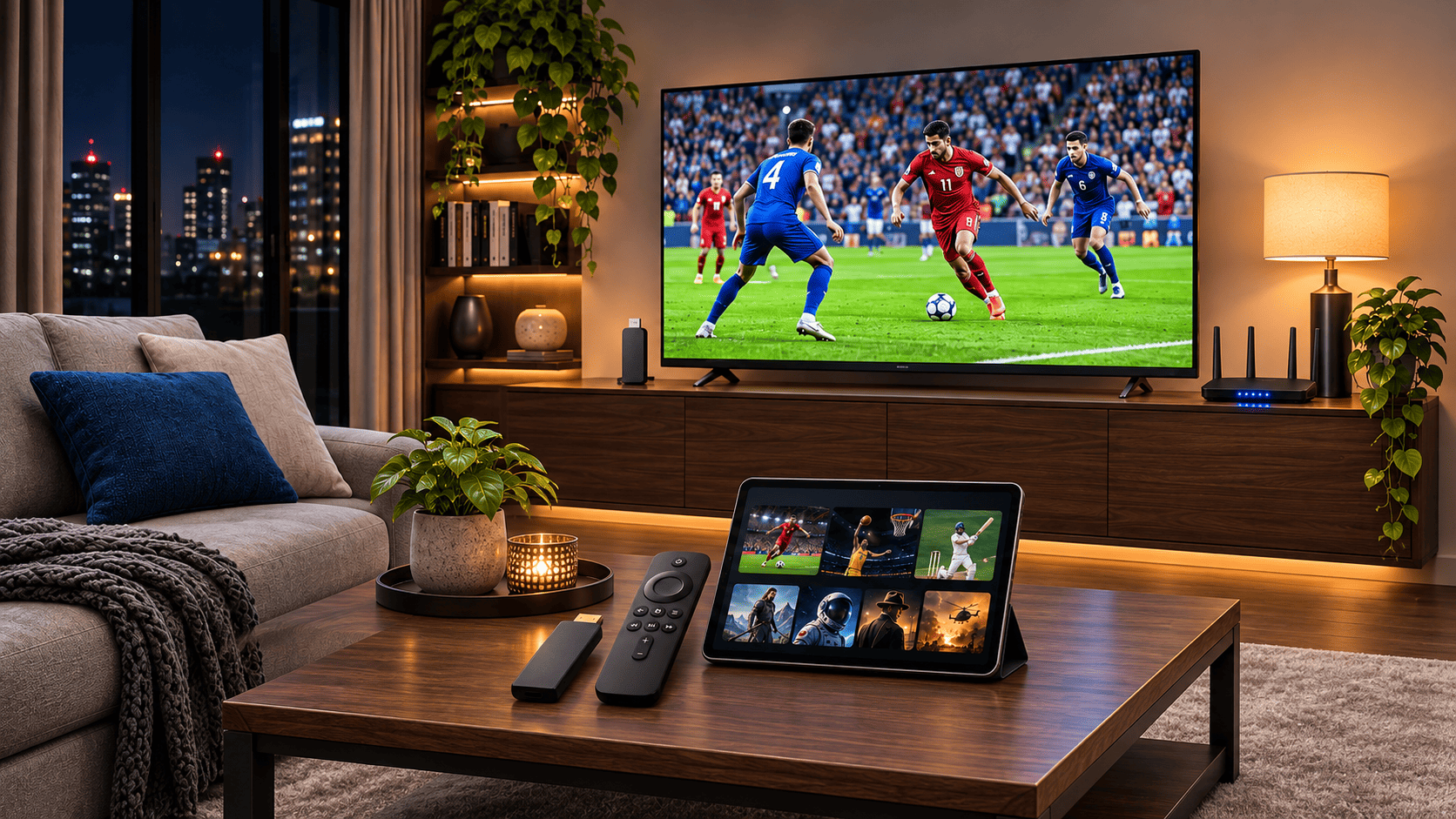
Why choose an official streaming service
Official services hold the broadcast rights for the leagues they show. That matters for more than legality:
- Reliable quality at peak time. Licensed platforms use large delivery networks built for millions of viewers at once, so big matches are their priority, not their weak point.
- Real 4K and HDR. Genuine 4K feeds come from the broadcaster. Many unofficial streams labelled “4K” are just upscaled HD.
- Safety. No unknown apps, no payment to anonymous sellers, no risk of an account or device being blocked.
- Extras. Replays, multi-view, stats, commentary in several languages and apps for every major device.
Note: ActiveDone does not host or sell streams, playlists or subscriptions. We recommend one IPTV provider, VireonTV, through a sponsored link (see our disclosure). Sports rights change by country and by season, so always check what a service includes where you live before you subscribe.
Popular legal services for live sports
Which service you need depends on where you live and which competitions you follow. These are some of the best-known options; rights and prices change often, so confirm on the official website.
| Service | Main regions | Known for | 4K / UHD |
|---|---|---|---|
| DAZN | Many countries worldwide | Football leagues in some countries, boxing, other sports (varies by country) | Selected events in some regions |
| beIN SPORTS CONNECT | Middle East & North Africa, France and others | Major European football leagues and tournaments | Selected events |
| Sky Sports / NOW | UK & Ireland | Premier League, Formula 1, golf, cricket | Ultra HD with Sky packages |
| TNT Sports | UK & Ireland | European club football, Premier League matches, rugby | Ultra HD on its top tier |
| YouTube TV | United States | NFL, NBA, college sports through US channels | 4K add-on available |
| Fubo | United States, Canada | Sports-focused live TV bundles | Selected events in 4K |
| ESPN+ | United States | Wide range of leagues and events | Selected events |
Do not forget free-to-air broadcasters in your country (for example BBC iPlayer and ITVX in the UK): many big tournaments are shown free and legally, sometimes in UHD.
How to choose the right service: 5 checks
- List your must-watch competitions. Write down the 2–3 leagues or events you never miss, then search “<league> TV rights <your country>” to see who holds them this season.
- Check what is really in 4K. Often only selected matches are produced in UHD, sometimes only on a higher plan. Read the service’s 4K FAQ before paying for it.
- Check device support. Make sure the official app exists for your TV or streaming stick and supports 4K on it.
- Compare monthly vs yearly plans. Monthly plans let you follow a season and pause in the off-season; yearly plans are cheaper only if you watch all year.
- Use the free trial or first-month offer wisely. Start it just before a big match weekend and test the stream at peak time.
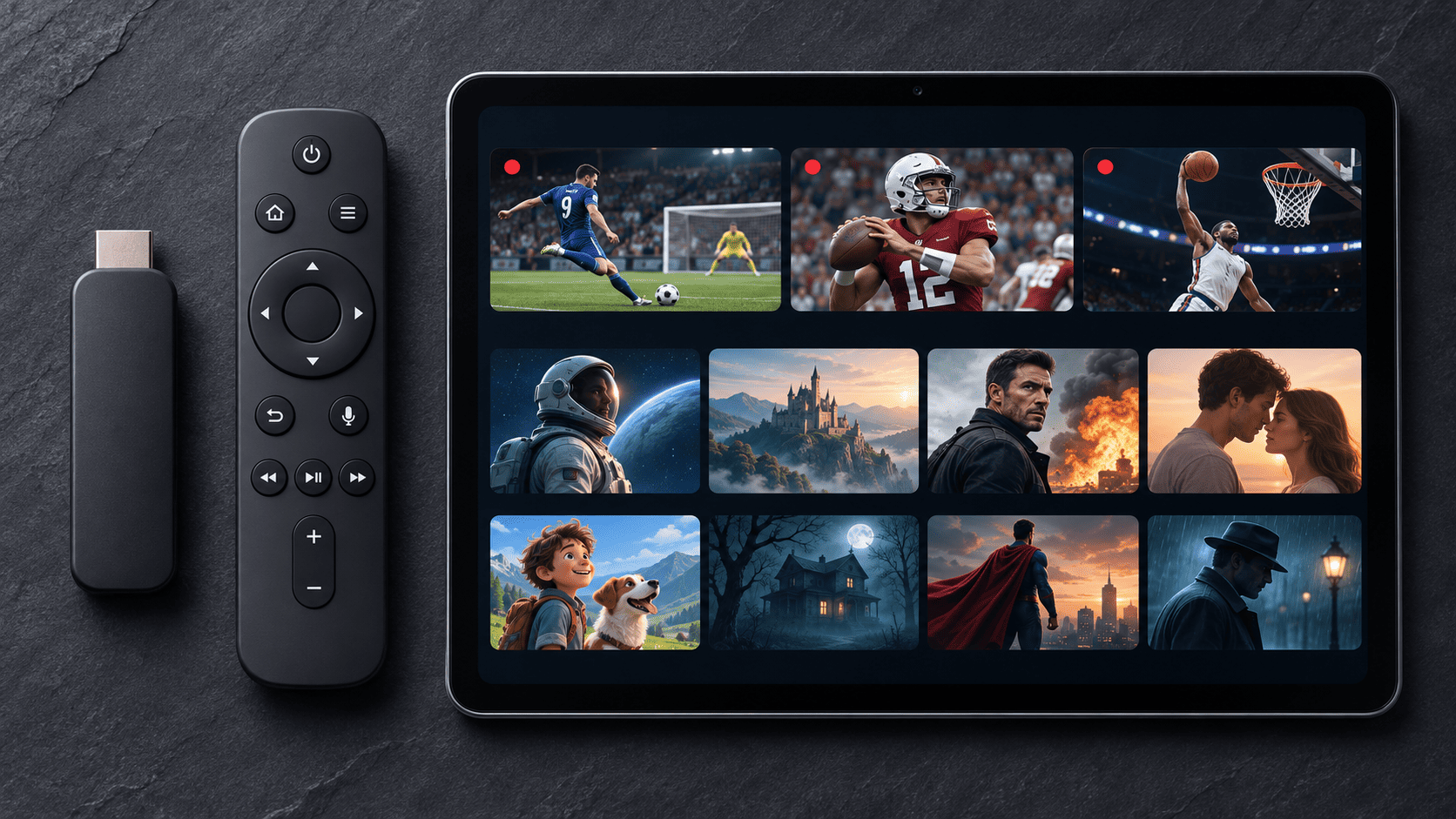
Best devices for 4K live sports
- Amazon Fire TV Stick 4K / 4K Max: affordable, supports 4K, HDR10+ and Dolby Vision, and has most sports apps. See our Fire TV Stick 4K vs 4K Max comparison.
- Google TV / Android TV devices: wide app choice and good performance on newer models.
- Apple TV 4K: smooth playback and excellent frame-rate matching for sports.
- Smart TV apps (Samsung, LG): convenient, but older TVs can be slow — a streaming stick is often the better option.
For sports, turn on your TV’s Sports or Game mode only if you like a brighter, sharper look, and switch off heavy motion smoothing if the ball looks blurry or “soap opera”-like.
Your home setup: how to avoid buffering
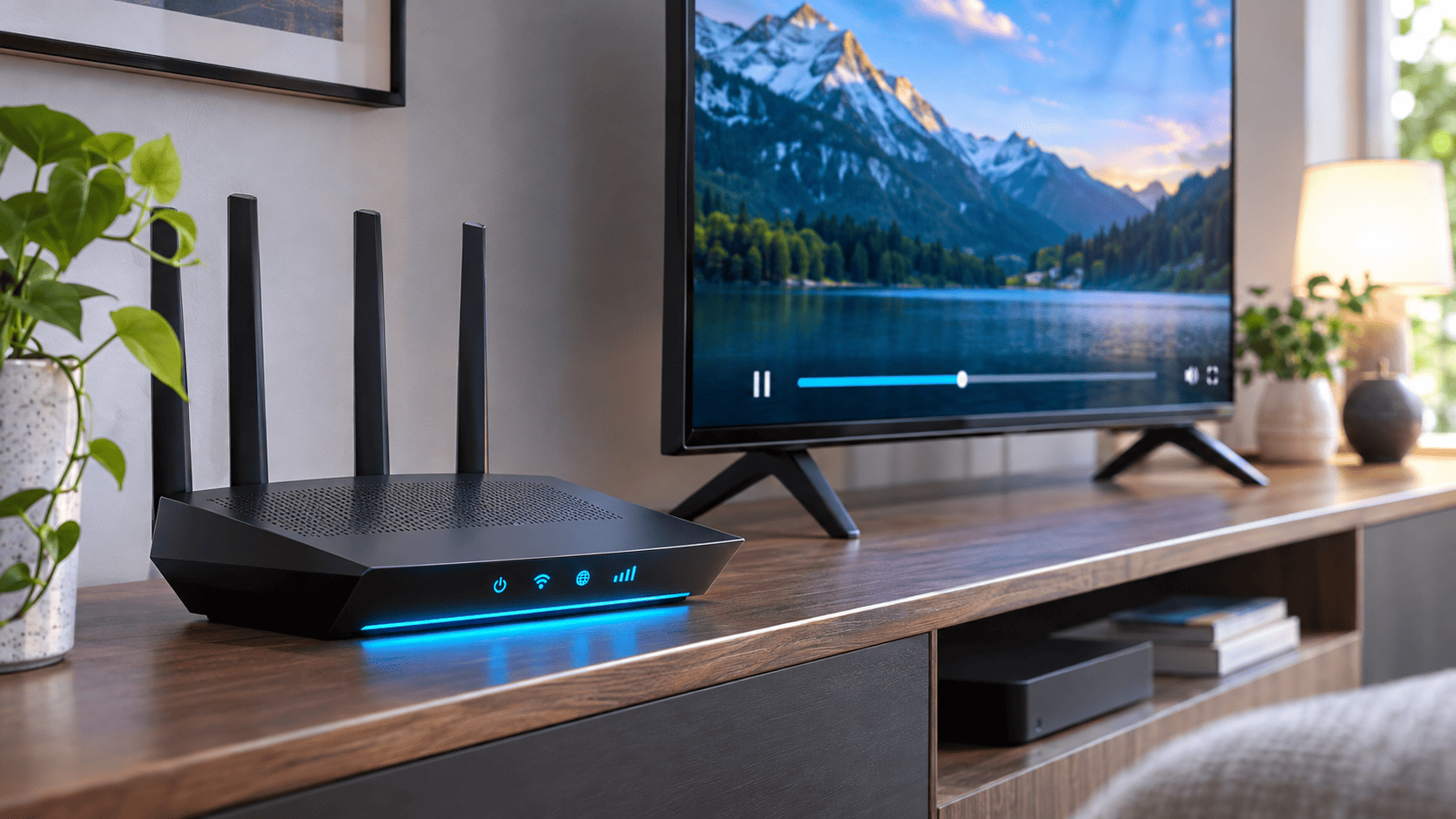
- Test your speed at match time. As a rough guide, plan for about 25 Mbps or more per 4K stream, and test in the evening when the network is busiest.
- Use Ethernet or 5 GHz Wi-Fi. A cable is the most stable option. On Wi-Fi, use the 5 GHz band and keep the router close to the TV.
- Limit other heavy use during the match. Large downloads, game updates and other 4K streams share the same connection.
- Restart your device before kick-off. It clears memory and avoids lag halfway through the first half.
- Keep the app and device updated so you get the latest playback fixes.
Still buffering? Follow our step-by-step buffering troubleshooter, and if you use a Firestick, check our guide to Firestick overheating fixes — a hot stick often lags during long matches.
FAQ
Which service shows my league in my country?
Search for “<league name> TV rights <your country>” or check the league’s official website, which usually lists its official broadcasters by country.
Do I need a 4K TV to watch 4K sports?
Yes, to see the full detail. On a 1080p TV the stream will still play, but in HD.
Why does my 4K stream drop to HD?
The app lowers quality automatically when your connection slows down. Use Ethernet or 5 GHz Wi-Fi and check your speed during the match.
Are cheap IPTV subscriptions with “all channels” legal?
Usually not. Services that offer thousands of premium channels and films for a very low yearly price rarely hold the rights to them. They can stop working without notice, and in many countries using them is illegal.
Rights, plans and prices change often. Always check the official website of each service before you subscribe.
VireonTV
24-hour free trial with no card needed, plans from €9.99 a month, a 7-day refund window and free setup help for Smart TV, Fire TV, Android and iPhone.
Start the free trial →Disclosure: ActiveDone is affiliated with VireonTV and may earn a commission from sign-ups.